

Autodesk User Admin Panel

Autodesk User Admin Panel — Activation On Your Account
Autodesk User Admin Panel provides centralized User Management inside Autodesk Account so you can control access for up to named users in one place. It’s ideal for institutes, training centers, and organizations that need structured user provisioning, team/group setup, product assignment, and usage visibility—without manual chaos.
🚀 Delivery Method
Activation on your account: After purchase, contact the WhatsApp Team and share the email of the Autodesk Account you want activated as admin. We activate/setup the user management access on your account and guide you to start adding users and assigning products.
What You Get with Autodesk 250 User Admin Panel
- Named-user management from a single Autodesk Account dashboard
- Teams management to organize users and subscriptions in a structured way
- Assign access by User for individualized product provisioning
- Assign access by Product for quick distribution of specific Autodesk tools
- Groups based assignments to apply access for multiple users at once
- Admin roles control for secure and controlled management
- Usage insights to review usage and optimize assignments
How to Use Autodesk Panel (Best Results)
- Sign in: Log in to Autodesk Account and open User Management.
- Create structure: Add users, create teams, and create groups based on class/batch/department.
- Assign access: Assign Autodesk product access by user, by product, or by group for faster rollout.
- Control admin roles: Provide limited admin access to staff when needed for safer operations.
- Monitor usage: Use reporting insights to check usage and reassign seats when required.
FAQ
How is delivery done?
Delivery is via activation on your Autodesk Account.
Do I need an existing Autodesk Account?
Yes—use the email/account you want activated (create one first if needed).
Does this include Autodesk software like AutoCAD or Revit?
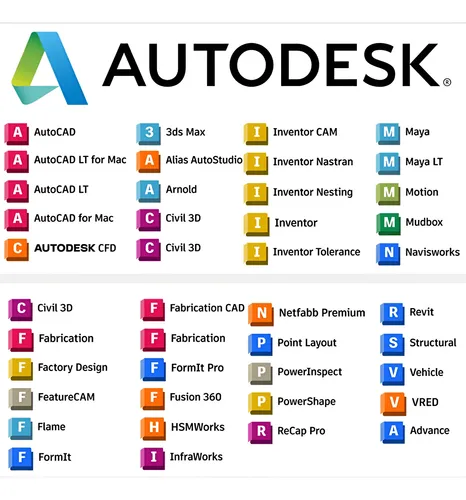
This product is for user management panel access. Product access depends on the Autodesk subscriptions available in your account/contract.
What if my panel access doesn’t work?
Contact the WhatsApp Team within the warranty period for replacement/re-activation help.