
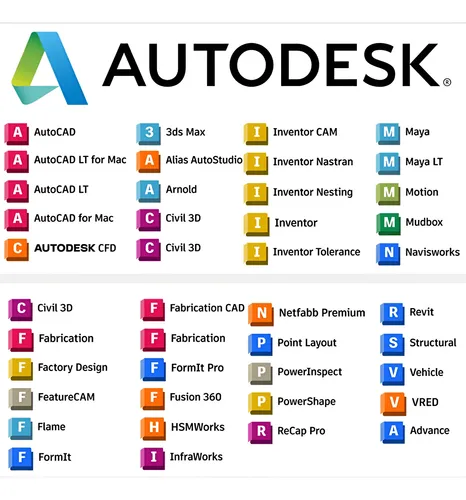

Autodesk Single User Subscription
Autodesk Single User — Activation On Your Account
Autodesk Single User Subscription is a named-user access plan intended for one person using their own Autodesk ID. It’s ideal for individuals and professionals who want secure access on their own account with simple license control inside Autodesk Account. Single-user subscriptions are meant for one named user at a time and are not designed to be shared.
🚀 Delivery Method
Activation on your account: After purchase, contact the WhatsApp Team and share the email of the Autodesk Account you want activated. We activate the Single User subscription seat on your account so you can sign in and use your Autodesk product access.
What You Get with Autodesk Single User
- Named user access assigned to one Autodesk ID at a time
- Secure sign in licensing through Autodesk Account
- User Management controls to assign or unassign access when needed
- Reassignment option to another authorized user by following Autodesk policy and process
- Offline use support for up to 30 days after sign in (as per Autodesk rules)
- Flexible device usage by signing in with the same Autodesk ID on supported devices
How to Use Autodesk Single User (Best Results)
- Create or verify Autodesk Account: Use the email you want activated as your Autodesk ID.
- Install the product: Download and install the Autodesk product you want to use (based on your subscription seat).
- Sign in: Open the software and sign in using the same Autodesk ID to validate licensing.
- Manage access: Use Autodesk Account > User Management to view and manage assignments.
- Stay compliant: Use the subscription under one user at a time and avoid sharing.
FAQ
How is delivery done?
Delivery is via activation on your Autodesk Account.
Do I need an existing Autodesk Account?
Yes—use the email/account you want activated (create one first if needed).
Can multiple people use one single user subscription?
No, single user subscriptions are intended for one named user at a time and are not meant to be shared.
Can I reassign the subscription to another user later?
Yes, reassignment is allowed only by following Autodesk policy and process.
What if my activation doesn’t work?
Contact the WhatsApp Team within the warranty period for replacement/re-activation help.